Model and serial information becomes valuable whenever an HVAC system needs service, parts research, or a careful discussion about compatibility. In many homes, however, the information is scattered across equipment labels, old invoices, manuals, and phone photos with no indication of which unit serves which area. A simple organization method can turn those fragments into a useful property record without requiring any technical investigation.
Identify Each Piece of Equipment
Begin by listing the major components in ordinary terms: indoor unit, outdoor unit, thermostat, and any visible accessory such as a humidifier or air cleaner. In a home with more than one system, add a plain location or service-area label, such as “attic system serving bedrooms.” Do not rely on “Unit 1” unless the same name appears consistently in every record.
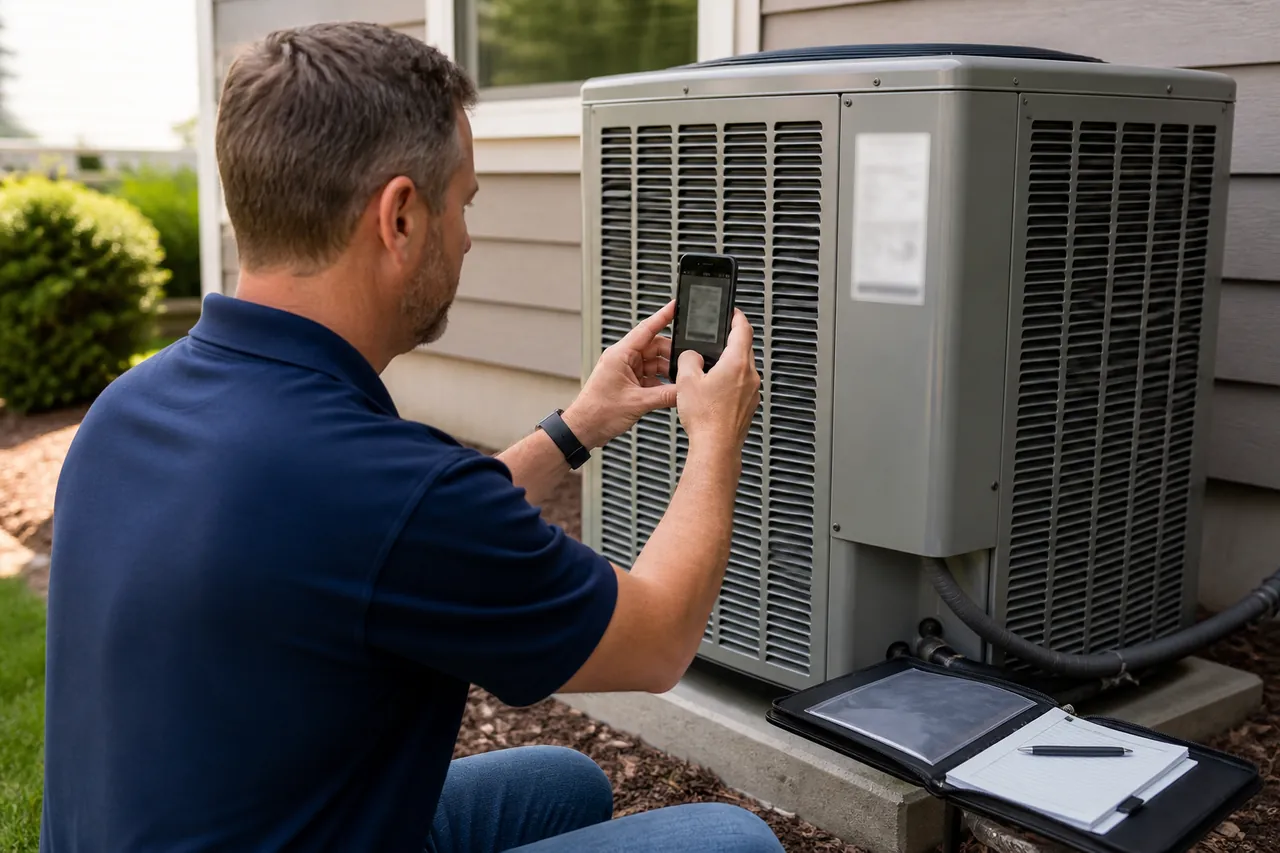
Photograph model and serial labels only when they are visible from a stable, safe position. Do not remove access panels, climb onto equipment, or reach past wiring or moving parts. Capture one wider photograph showing which component the label belongs to and one legible close view if that can be done safely. Immediately rename or caption the images so they are not mixed up later.
Pair Related Components Carefully
An indoor unit and outdoor unit may work as a matched system, but visual proximity or similar age is not proof of pairing. Record which components you believe belong together and label that relationship as homeowner information until a contractor confirms it. The same caution applies to thermostats, zoning controls, and accessories.
If a service invoice identifies a specific model or area, file it with the relevant equipment record. Note replacements or control changes by date. This timeline can help a heating and cooling contractor understand whether components were installed together, modified later, or documented under different names. It also reduces the chance of requesting information for the wrong unit.
Use a Consistent Record Format
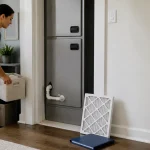
A useful entry includes the component type, its location, the area it serves, manufacturer, model, serial number, and the date the information was recorded. Add the filter size or other owner-facing details only when they come from a visible label, manual, or confirmed service note. Avoid copying specifications from a similar product found online; small model differences can matter.
Store digital photographs and documents in folders named by system and component. If you keep a paper binder, use the same labels on its dividers. A one-page index can point to manuals, invoices, prior service notes, and photos without duplicating every detail. Consistency is more important than a complicated filing system.
Keep the Information Current
After service or replacement, compare the handoff documents with your equipment list. Update changed model information, note what was removed, and preserve earlier records as history rather than overwriting them without explanation. Date each revision so a future contractor can distinguish current equipment from retired components.
Review the file when you change thermostats, add accessories, or receive new service documentation. Organized model information does not diagnose a comfort problem, but it allows a contractor to prepare more intelligently and discuss the correct system. By pairing clear labels with dates and locations, you create a record that remains understandable to someone who has never seen the property before.