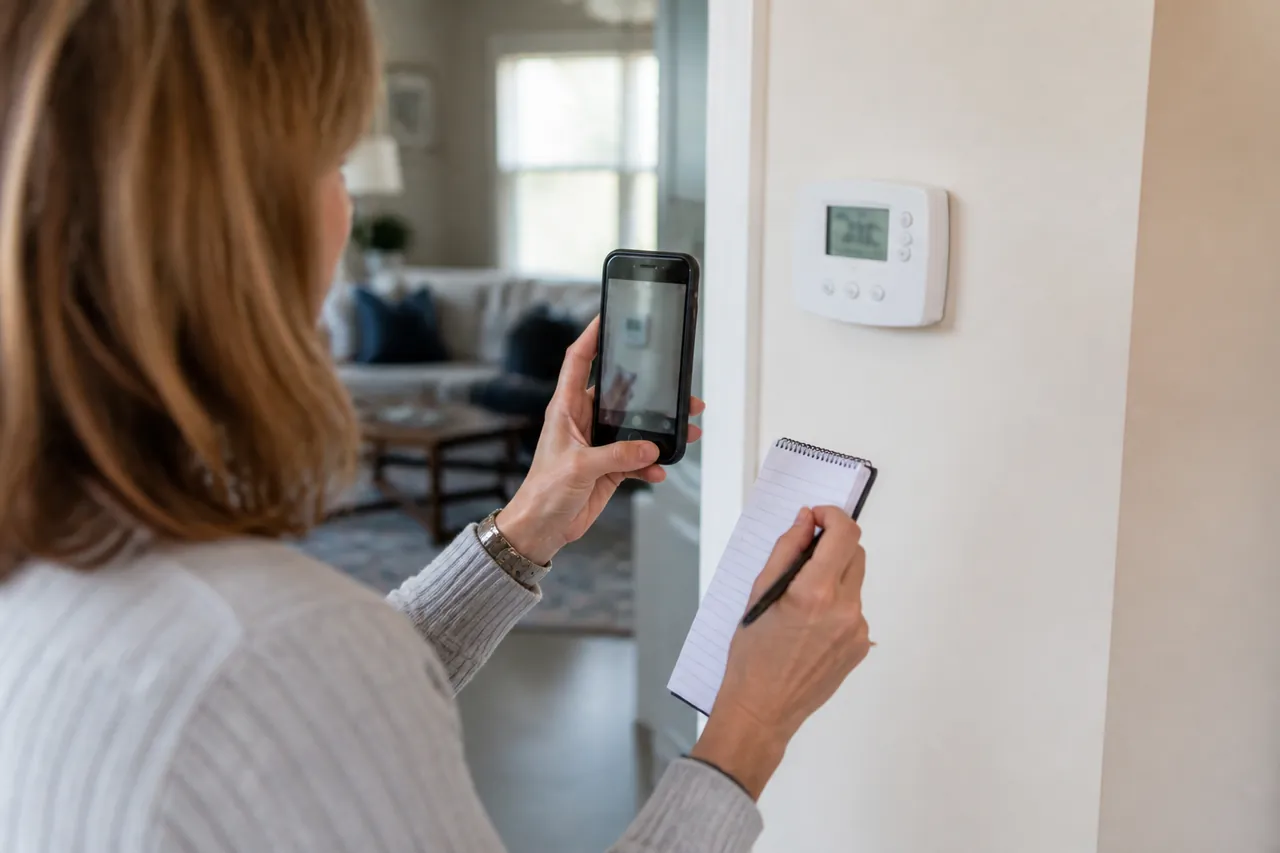
Thermostat details may seem secondary when a home feels too warm or too cold, but the thermostat is both a control and a source of information about system behavior. Mode, set point, schedule, sensor selection, displayed alerts, and recent changes can shape what the HVAC equipment is being asked to do. Recording those details helps a technician understand the sequence without assuming the control itself is at fault.
Capture the Current Display
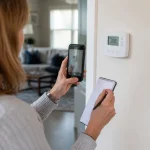
Before changing settings, photograph or write down the operating mode, set temperature, displayed room temperature, fan setting, schedule or hold status, and any alert. Record the date, time, and which rooms feel different. If the thermostat uses remote sensors or zoning, note the active sensor or zone shown on the screen.
A single display reading does not diagnose the system. It does, however, establish what the control was requesting when the concern occurred. Avoid repeatedly switching modes, rapidly changing set points, or performing a factory reset. Those actions can erase schedules, alerts, or configuration details that are useful during evaluation.
Describe the Sequence of Events
Write down what happened before, during, and after the comfort change. Did the thermostat appear to call for heating or cooling? Did the indoor or outdoor equipment start? Did the display change or go blank? Was there a recent power interruption, network issue, battery change, software update, or household schedule adjustment?
Keep observations separate from conclusions. “The screen went dark for several minutes after a power interruption” is stronger evidence than “the thermostat is broken.” Note whether the behavior repeats under the same conditions and whether it affects the entire home or only areas controlled by a particular zone.
Include System and Control Context
Have the thermostat model, equipment model information, and any control manuals available. Tell the contractor about accessory controls, zoning panels, remote sensors, humidifiers, or home-automation connections that may interact with temperature settings. If another person changed a schedule or mode, include that in the timeline without trying to reconstruct every tap.
Ask whether the thermostat is configured for the installed equipment and how its staging, sensor, or recovery features are intended to operate. Configuration review belongs with a professional who can consider the complete system. Do not remove the thermostat from the wall, change wiring, open equipment, or probe terminals to gather more detail.
Clarify the Handoff
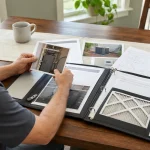
After service, ask which settings were changed, why they were changed, and which household users need to understand them. Confirm how to use ordinary temperature adjustments, schedules, holds, fan settings, and alerts for your specific control. Keep a photo or written record of the final owner-facing configuration.
For connected thermostats, document whether the concern appears on the wall control, the household app, or both. Keep account credentials private; a service conversation should not require sharing a personal password.
If a comfort concern remains, document what to observe next and for how long. Thermostat details matter because they connect household choices with equipment response. A clear before-and-after record preserves that connection, helps prevent accidental setting changes, and gives future service providers reliable context without turning the homeowner into the system diagnostician.